Mobile app
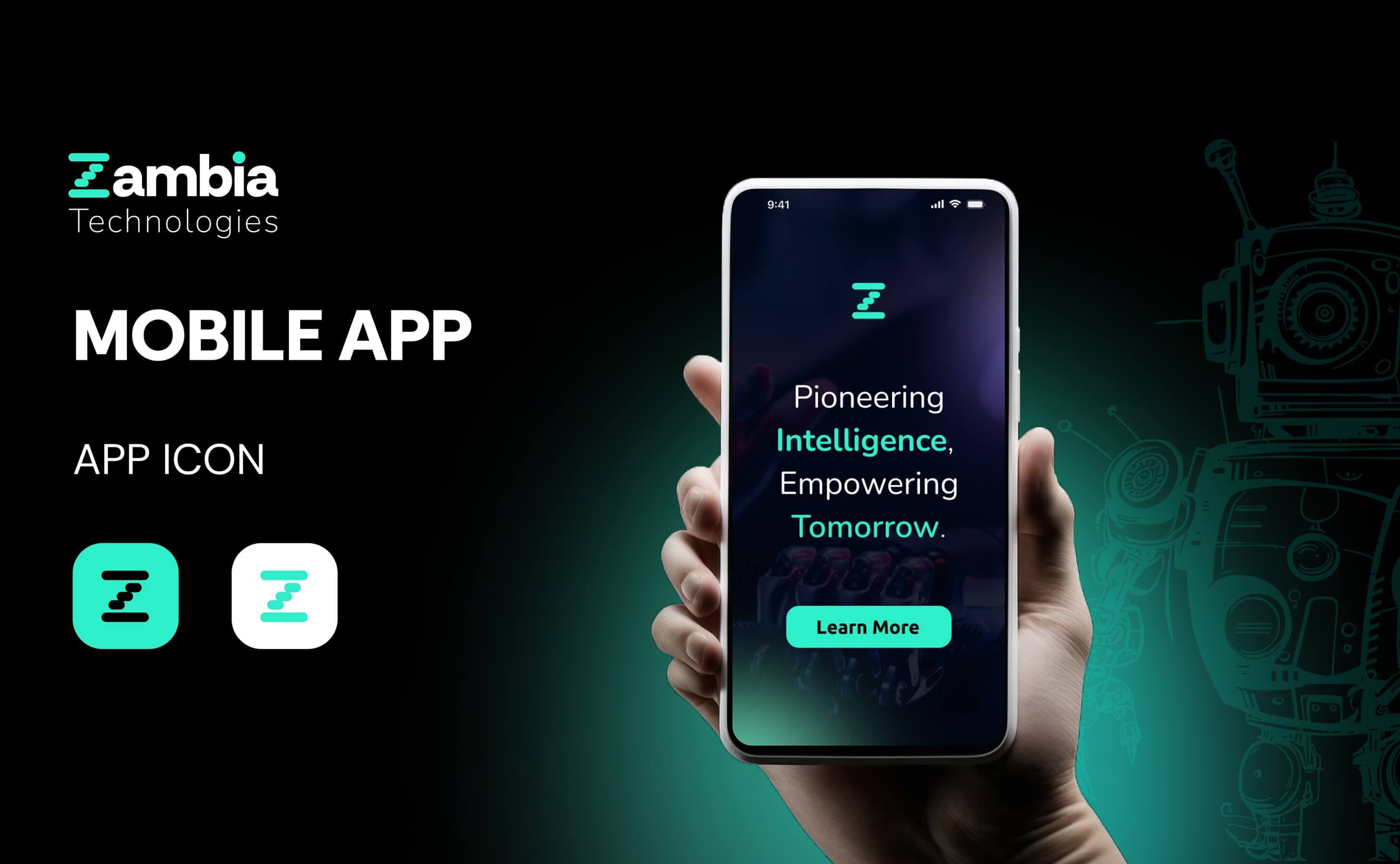
Zambia Mobile App
Zambia is a mobile application designed to simplify everyday financial transactions for users in emerging markets. The project focused on creating an intuitive, accessible UI/UX that works seamlessly across varying device capabilities and network conditions.
- Discipline
- Mobile app
- Services
- Mobile UI Design, UX Research, Prototyping, Interaction Design, User Testing
Concept
The app design prioritizes simplicity and speed, ensuring users can complete transactions with minimal steps regardless of tech literacy.
- Large touch targets and clear iconography accommodate users across all age groups and experience levels.
- Amber accents provide high-contrast visual cues for primary actions and important alerts.
- Offline-capable design patterns ensure core features work even with intermittent connectivity.
Colors & style
- Amber (#ffab00): Energy, optimism, and financial warmth.
- Deep Purple: Trust, security, and premium quality.
- Light Gray: Clean backgrounds that reduce visual fatigue during extended use.
Design process
User research was conducted with target demographics across urban and rural areas to understand financial habits and technology comfort levels. The design went through three rounds of usability testing with prototypes, iterating on navigation patterns and transaction flows until task completion rates exceeded 95% across all user segments.
Problem
The project addressed critical challenges in mobile financial services for emerging markets:
- Target users had varying levels of smartphone experience, requiring an extremely intuitive interface.
- Unreliable network connectivity meant the app needed graceful offline handling for key transactions.
- Existing financial apps in the market were designed for tech-savvy users, excluding a large portion of the population.
The app needed to bridge the gap between powerful financial tools and everyday accessibility for all users.
Solution
The UI/UX was built around progressive disclosure and guided task flows:
- A simplified home screen surfaces the three most common actions — send, receive, and check balance — with single-tap access.
- Step-by-step transaction wizards with confirmation screens prevent errors and build user confidence.
- Biometric authentication and visual security indicators reassure users that their money is safe.
App Design Deliverables
Delivered a complete mobile app design system with 45+ screen designs, interactive Figma prototypes, a component library with 120+ reusable elements, and comprehensive UX documentation including user flows, personas, and research findings. The design is ready for developer handoff with detailed specifications and asset exports for both iOS and Android platforms.
In detail
Mobile UI Design
The interface was designed for clarity and efficiency on screens ranging from budget to flagship devices.
- A card-based layout system adapts gracefully to different screen sizes and resolutions.
- Typography scale was optimized for readability, using minimum 16px body text and high contrast ratios.
- Custom icon set designed at 24px grid ensures crisp rendering on both standard and high-density displays.
UX Research
Extensive field research informed every design decision in the application.
- Contextual inquiries with 40+ users across urban and rural areas revealed key pain points with existing financial tools.
- Card sorting exercises determined the optimal information architecture for the app's navigation structure.
- Competitor analysis across 8 regional fintech apps identified opportunities for differentiation in simplicity and speed.
Prototyping
Interactive prototypes were used throughout the design process to validate ideas quickly.
- Low-fidelity wireframes were tested within the first week to validate core navigation patterns.
- High-fidelity prototypes in Figma simulated real transaction flows for realistic usability testing.
- Micro-interaction prototypes tested animation timing for loading states, transitions, and success confirmations.
Interaction Design
Thoughtful micro-interactions guide users and provide feedback at every step.
- Haptic feedback patterns differentiate between successful transactions, errors, and pending states.
- Animated progress indicators show real-time transaction status, reducing anxiety during processing.
- Gesture-based shortcuts — swipe to send, long-press for favorites — reward experienced users without confusing new ones.
User Testing
Rigorous testing ensured the app met usability benchmarks across diverse user groups.
- Three rounds of moderated testing with 15 participants each, covering first-time and experienced smartphone users.
- Task completion rates improved from 72% in round one to 96% in the final round after iterative refinements.
- System Usability Scale (SUS) scores averaged 87, placing the app in the 'excellent' usability category.